
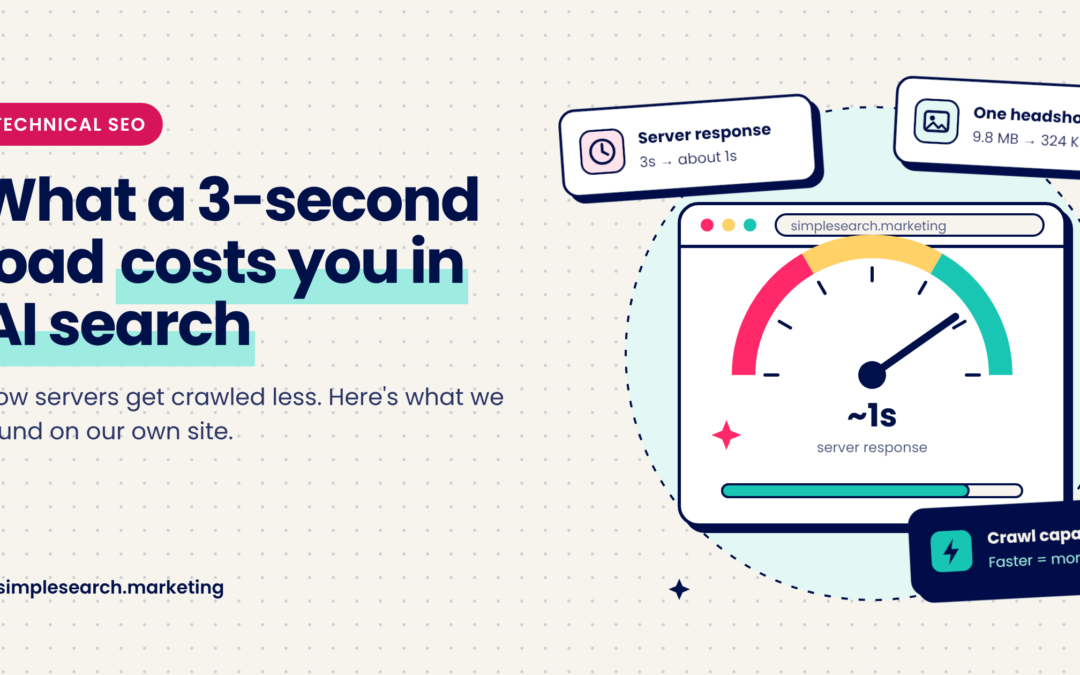
We just finished redesigning our own website, and like any good SEO nerds, the first thing we did was crawl it. The pages looked great. Then we saw the response times. Our server was taking about three seconds to answer each request, and some pages took five. Our team photos on the About page added up to tens of megabytes, with one headshot weighing in at 9.8 MB. (Gorgeous photo, terrible file.) The cobbler’s children have no shoes, right? It happens to all of us. But it’s worth fixing, because a slow site costs you more than impatient visitors now. It can cost you visibility in AI search too.
Why speed matters to the bots
Google is pretty upfront about this. It gives every site a “crawl capacity limit,” basically a budget for how much of your server’s time it’s willing to use. According to Google’s own crawl documentation, when your site responds quickly and consistently, that limit goes up and Google crawls more. When responses slow down or start throwing errors, the limit drops and Google crawls less.
Fewer crawls means new pages take longer to show up, and updates sit unnoticed. That’s a problem in regular search. It’s a bigger problem in AI search, where freshness matters and AI Overviews, Copilot and ChatGPT are all pulling from whatever the crawlers managed to collect.
For reference, Google’s web.dev team says a good server response time (time to first byte, if you want the jargon) is 0.8 seconds or less, and anything over 1.8 seconds is poor. We were at three. Oof.
AI crawlers don’t publish their patience levels, so nobody can tell you exactly when they give up on a slow page. But they’re fetching enormous numbers of pages, and we wouldn’t bet on them waiting around for yours.
What we fixed (and what you can check)
The images were the easy part. WordPress quietly creates smaller versions of every photo you upload, but our page was loading the giant originals. Switching to the right size took that 9.8 MB headshot down to 324 KB, and it looks exactly the same on screen. If you’ve ever uploaded a photo straight from a professional shoot, there’s a good chance your site is doing the same thing.
The server took more digging. Our caching plugin couldn’t cache full pages on our type of hosting, so every visit made WordPress build the page from scratch. Worth checking on your own site, because a caching plugin that looks active isn’t always doing what you think. After cleaning things up, our pages now respond in about a second, often less, and we’re still chipping away.
You don’t need a crawler to start. Run your homepage and a couple of key pages through Google’s PageSpeed Insights, and look at the server response time and the image warnings. Then check Search Console’s Crawl stats report (it’s under Settings) to see how fast Google thinks you are. If those numbers make you wince, you’ve found your next project.
The unglamorous fix that pays off
Speed is never the fun part of a website project. Nobody gets excited about image sizes or server caching. But it’s one of the few changes that helps your visitors, Google and every AI crawler at the same time, and the fix is usually cheaper than people expect. Want to know how your site stacks up? Ask us for a quick speed check. We’ll tell you what’s slowing you down and what to fix first.